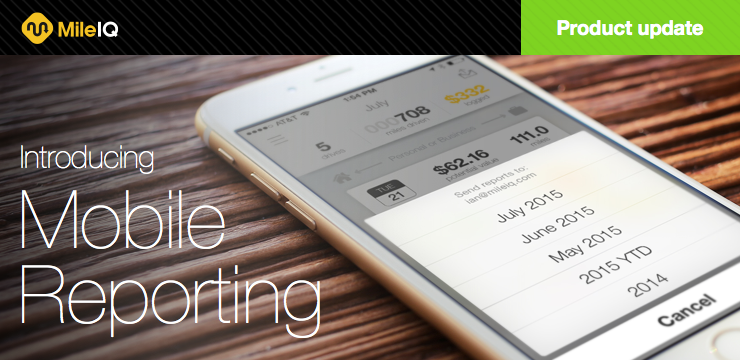
Last week we rolled out new mobile reporting features that allow you to access your mileage log for a variety of dates ranges, anywhere and anytime.
Get Mobile Reporting Now
In order to take advantage of the new “Mobile Reporting” feature, you’ll need the most current version of MileIQ from either iTunes or Google Play.


Generate Personalized Reports, Right on Your Phone
While the MileIQ web dashboard is a fantastic tool full of power options like bulk classifying drives, joining drives and creating reports, we’ve heard loud and clear that our users wanted to create comprehensive mileage logs, right from their phones.

With the introduction of mobile reporting, you can now create several additional mileage logs and reports directly in the app. The new in-app reports include monthly drives, year-to-date drives, a three month mileage log and your previous year’s mileage log.
We know some of the most important features for our users are those that allow you to keep your workflow running as smoothly as possible. Mobile reporting allows you to do just that by sending an array of mileage logs right from your phone in user-friendly formats like CSV and PDF or integration with FreshBooks and Concur.
If you missed our last big update, Vehicles, read about it here.

Joshua Brost
Latest posts by Joshua Brost (see all)
- IRS Mileage Reimbursement Rates, Rules & Tips - March 17, 2017
- 5 Mileage Tips to Start 2017 - January 20, 2017
- Record Your 2017 Starting Odometer Readings - December 29, 2016
MileIQ’s blog does not constitute professional tax advice. You should contact your own tax professional to discuss your situation.


